FRAME 04 - SEQUENCE · LIGHTROOM CLASSIC PLUGIN
A feed that looks intentional. Not chaotic.
A Lightroom Classic plugin that sequences your selects into a clean Instagram grid - single posts, seamless designed carousels, and one photo spread across 3, 6 or 9 tiles. Pick a sort, frame each crop, drag what feels off, export. Done in 10 minutes - without leaving Lightroom.
LIGHTROOM CLASSIC 6+ · MACOS ON APPLE SILICON (M1 OR LATER)

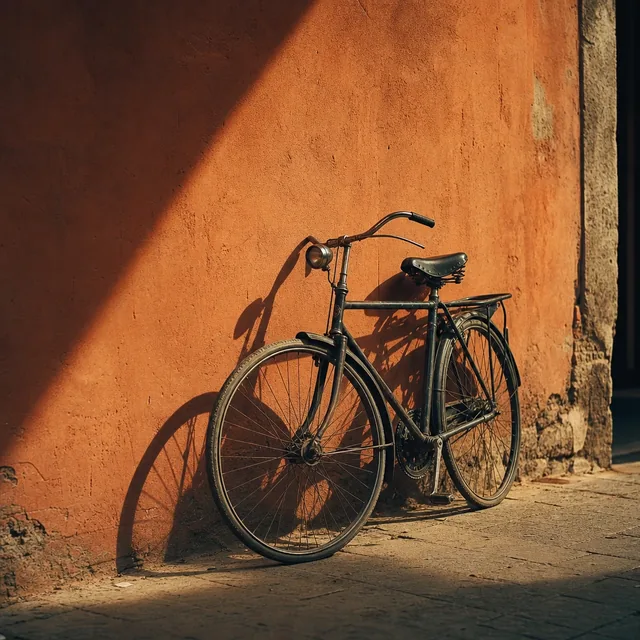
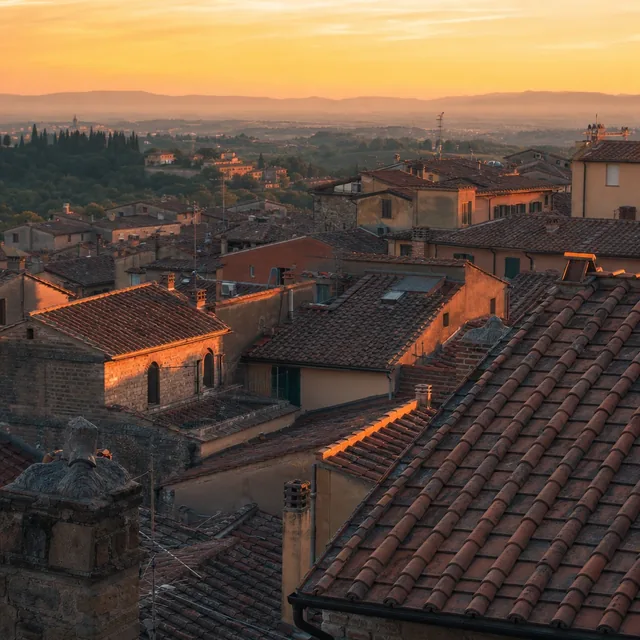
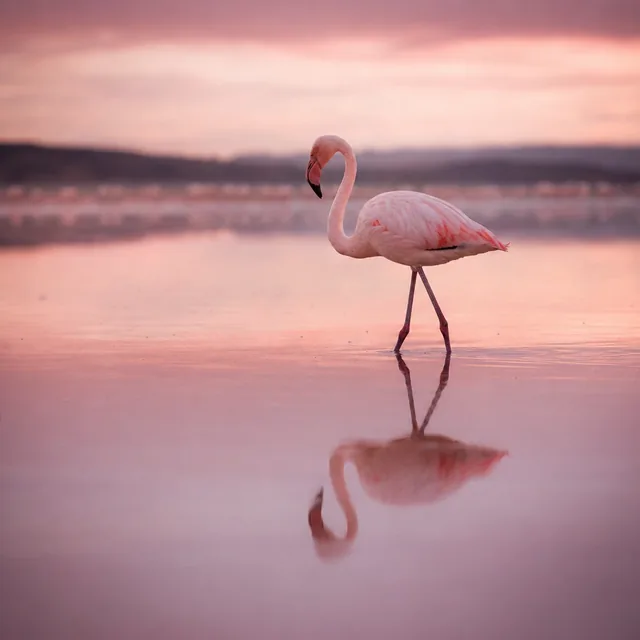
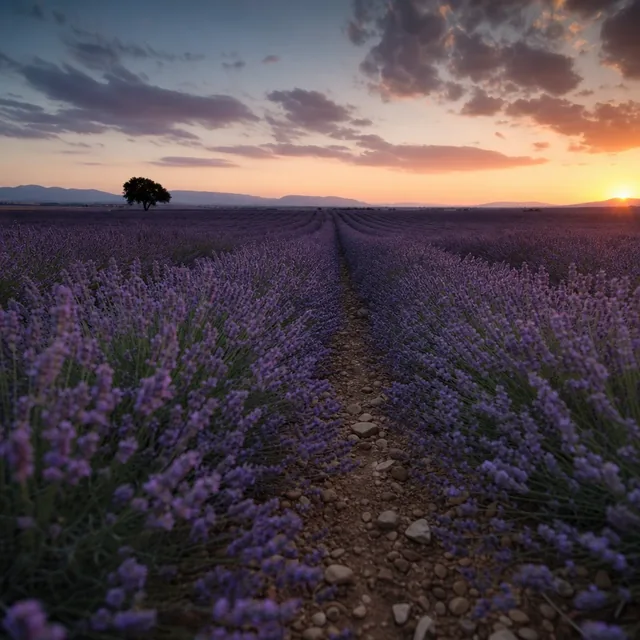



SHIFT-CLICK 2 TILES TO GROUP A CAROUSEL · OR DRAG A TILE · KEYBOARD: ENTER TO GROUP, ARROWS TO REORDER
9 POSTS, ONE FLOW - SORT, DRAG, GROUPUNSORTED - AS SHOT
NEW ON INSTAGRAM - JUNE 2026
Instagram now lets you reorder your grid after posting - drag posts into any order, no deleting, no lost likes. But it hands you a drag handle, not an eye for what order works, and nudging 20 to 30 tiles around by thumb is the tedious part. This plugin works out the color-flow order for you. Plan it in Lightroom, then apply it on Instagram in seconds - on a fresh feed or one you posted years ago. See how Reorder Grid works →
SEE IT IN ACTION - THE REAL PLUGIN
From selects to a feed
that flows.

CLICK TO PLAY - WITH SOUND, CAPTIONS ON SCREEN
Read the transcript
The video is narrated, and the narration is also captioned on screen. This is the full spoken text:
- Your feed should look intentional - not accidental.
- Right now, planning a feed means exporting everything to your phone.
- Instagram Grid Planner sequences your feed, right inside Lightroom.
- Select the photos for your next post, and open the planner from Plug-in Extras.
- Got a whole shoot? Smart Pick chooses the photos that fit together best, and skips the bursts.
- It renders every photo through your edits first, so the grid matches your feed.
- Now pick a sort, and the whole grid reflows by color in one tap. Try all three.
- Then trust your eye - drag any photo, and everything reflows around it.
- Instagram crops every post to a tall tile. Slide each photo until the framing sits right.
- Spread a panorama across three, six or nine tiles, right beside your other posts.
- Select a few photos, group them into a carousel, and your grid shows just the cover.
- Then hit Design carousel. Choose from dozens of layouts, and your photos flow across the slides as one seamless piece.
- Export, and every file comes out cropped, sliced and numbered in upload order.
- Upload in order, and your feed lands exactly the way you planned it.
- Designed carousels, Smart Pick, crops and splits, three sorts - and you buy it once.
- Get Instagram Grid Planner, and plan a feed that actually flows.
FEATURES - WHAT DEVELOPS
Built for photographers who care
how the feed reads.
Carousels that swipe as one piece.
The seamless carousels you see from the best accounts - a landscape running across two slides, the next photo peeking in at the edge, white gallery borders holding portraits and landscapes together - usually mean an evening in Photoshop or Canva. Here it is one click: pick your photos, hit Design carousel, and choose from dozens of layouts shown with your photos in them. Zoom and reposition any photo, swipe through it on a phone-sized preview, and export finished slides in upload order. Several layouts never crop a pixel.
500 photos in. Nine that belong together, out.
Point it at a whole shoot - a folder, a collection, a day of street work - and Smart Pick chooses the photos that sit best side by side, by colour. It reads the previews Lightroom already has, so 600 photos take about a minute, not an afternoon. Bursts are skipped (no two frames within a minute of each other, or any gap you set), soft and blown-out frames are left out, and your rejects never get in.
Frame the crop. Skip the phone.
Instagram crops every post to a tall 3:4 tile - and picks the middle. Here a landscape or a wide portrait doesn't get stuck: slide it left, right, up or down until the composition sits right, and the tile shows exactly what your profile will. Export crops to match, so no more back and forth between Lightroom and your phone to check.
One photo. Three, six or nine tiles.
Spread a panorama across a row, or a hero shot over a full 3×3 block. Pick 2, 3, 4, 6 or 9 tiles, frame it, and see it sitting in the grid next to your regular posts. Export cuts the slices, numbered in upload order, so it lands on Instagram in one piece.
Carousels, planned in place.
Select a few shots, group them into a carousel, reorder the slides and pick the cover - up to 20 per post. Your feed shows just the cover, and export keeps each carousel's photos together and in order. A whole feed plan, not just a single row.
Three sorts. The one that fits.
Smooth Flow weaves color frame-to-frame. Cluster groups by family. Hue Wheel walks the full circle. One tap to try, one tap to switch - split photos stay put while everything else re-sorts around them.
Numbered. Sequenced. Ready to upload.
Files export renamed 01_, 02_, 03_… - the order you planned is baked into the filenames. Send them to your phone, your scheduler, or any tool you like, and posts go up in your exact sequence.
What you see is what you post.
The planner renders through your Lightroom edits, not the raw files, and previews Instagram's current 3:4 grid tile. Every tile in the grid is exactly how the photo will look when it hits your feed - edits, crop and all.
Drag tiles to fine-tune.
Pick the sort, then move what feels off, swap two photos that fight each other, hit reset to start over. Your original Lightroom selection stays untouched.
UNDER THE SAFELIGHT - WHY IT'S DIFFERENT
Plan first. Export only what you need.
The usual way: export your whole edit set, transfer it to your phone or a planning app, arrange the order there. Photos pile up in your camera roll. Any change means a round trip back to Lightroom for another re-export.
Instagram Grid Planner flips it. Plan the grid first - inside Lightroom, while your photos are still in your editing workflow. Frame how each photo sits in its tile, spread one across several tiles if you like, then export only the photos you've decided to post, already cropped and numbered for upload. Transfer exactly what's needed. Nothing left hanging.
HOW IT WORKS - THREE STEPS
Select. Sort.
Export.
Select
Pick 9-30 photos in Lightroom Library view - the size of an actual feed plan.
Sort
Library > Plug-in Extras > Open Instagram Grid Planner - the planner opens in your browser with your photos arranged. Pick a sort mode, drag tiles by hand, frame any crop, group carousels, spread a photo across tiles.
Export
Export the sequence to a folder. Files come out cropped to the grid you arranged and renamed in upload order - drop them onto Instagram in the same sequence you planned.
CONTACT PRINTS - WHAT PEOPLE SAY
Feeds that finally
read on purpose.
Used to spend an hour exporting and rearranging tiles on my phone. Doing the color flow sorting right inside LR makes my feed look so cohesive now. Total game changer.
The 3:4 preview is everything. Planning for the old square crop kept messing up my posts. Seeing exactly how it'll look before exporting means no more weird surprises on my grid.
Setting up carousels and picking covers without leaving my catalog is so clutch. I can see how everything flows together before I ever post. Makes planning my launches ridiculously easy.
FAQ - BEFORE YOU INSTALL
Frequently asked
questions.
Which Macs and operating systems are supported?
For v1, the shipping installer runs on macOS with Apple Silicon (M1, M2, M3, M4) only. Intel Macs and Windows are not supported by the bundled binary.
Windows and Intel Mac support is on the roadmap if there's enough demand. Tell us if you need either - demand drives priority.
How is this different from UNUM, Preview, or Planoly?
Those apps run on your phone. The workflow is: export from Lightroom, transfer to your phone, upload into the planner, arrange the order. Want to swap a photo? Round trip back to Lightroom for another export-and-transfer cycle.
Instagram Grid Planner plans the grid from inside Lightroom, before you export anything. Pick a sort, lock the sequence, then export only the photos you're posting - already numbered for upload.
What file types does it support?
Anything Lightroom can render - RAW (.ARW, .CR2, .NEF, .DNG, .RAF), JPEG, TIFF. Renders go through Lightroom so your develop edits are baked into the preview the planner uses.
My RAWs take a while to render the first time. Is that normal?
Yes - Lightroom is generating an edited preview of each photo, which can take a minute or two on a full RAW selection. Subsequent runs reuse the cache and are near-instant.
Can I undo a sort?
Press R for Reset, or 1/2/3 to switch between the three sort modes. Drag tiles individually to fine-tune. Your original Lightroom selection isn't modified - the planner only reads it.
Which sort mode should I use?
Start with Smooth Flow - it's the right call most of the time. If your set has 2-3 distinct color families and you want them to live in chunks, try Cluster. If you're going for a colorful, energetic feed, try Hue Wheel. Each is one tap to try, so you can compare in seconds.
Can I plan carousel posts, not just single photos?
Yes. Select a few photos, group them into a carousel, then reorder the slides or pick the cover in a quick editor - up to 20 per post. Your grid shows just the cover, and on export each carousel's photos are named to stay together and in order (07-1_, 07-2_…). It's a full feed planner, carousels included.
Can I design seamless carousels - photos that continue across slides?
Yes. Select the photos, click Design carousel, and pick a layout: a landscape spread across two slides, the next photo peeking in, film-strip rows, gallery-style rows with white borders that never crop, panoramas, or a collage on every slide. Every layout is previewed with your own photos. You can zoom and reposition each photo, choose 3:4, 4:5 or square slides, set the border and background colour, and swipe through the result on a phone-sized preview. Export writes the finished slides, numbered in upload order with the rest of your grid. No Photoshop or Canva step.
Does it match Instagram's new taller grid?
Yes. Instagram moved its profile grid from square to a taller 3:4 crop in 2025. The planner previews that exact crop, so the layout you arrange is what visitors actually see. By default the export is cropped to match, so the feed you planned is the feed people get. Untick Crop to grid in the export dialog if you'd rather keep the original shape and let Instagram do the cropping.
Can it choose the photos for me?
Yes. Library > Plug-in Extras > Smart Pick looks at everything in the collection or folder you're viewing - hundreds of photos is fine - and picks the number you ask for, choosing the set that fits together best by colour. It skips frames shot within a minute of each other (or any gap from a second to a day), leaves out soft and blown-out frames, and never picks a rejected photo. Filter the view to your starred photos first if you only want those. Only the chosen photos get rendered, so a 600-photo session takes about a minute. The result opens as a normal grid: sort it, drag it, swap a tile out, export.
Can I choose which part of a photo shows in the grid?
Yes. Instagram picks the middle of every photo for its 3:4 tile, which is why a landscape often loses the part that mattered. Hover a tile, click the crop button, and slide the photo left, right, up or down until the composition sits right. The tile updates live, and the export uses the same framing - no more checking on your phone and coming back to Lightroom.
Can I split one photo across several tiles?
Yes. Open the crop panel on any photo and pick 2, 3, 4, 6 or 9 tiles. A row of three suits a panorama, a 3×3 block turns a hero shot into a full screen. You frame it once, see it sitting in the grid next to your regular posts and carousels, and export cuts the slices for you - named 07_name_slice1of3 and so on, in upload order. The whole feed, mixed however you like, planned in one place.
What if I don't want Instagram to crop a photo at all?
Turn off Crop to grid and set No crop to white, black or a blurred fill. Photos taller than 4:5 or wider than 1.91:1 (the range Instagram shows uncropped) get padded onto a safe canvas instead of trimmed; everything in between is already safe and is left alone.
Does it edit my photos?
No. Nothing about your photos changes - not your edits, not your ratings, not your originals, not your catalog. The planner only reads. It renders previews and exports renamed JPEGs to a new folder you choose. That's it.
What's the export quality?
JPEG, quality 85 by default (visually transparent). Adjustable from 60-95 in the export dialog. Long edge defaults to 2048px (the largest Instagram keeps) but you can change it. Crops and slices are cut from the full-resolution render, then resized.
How many photos can I plan at once?
Up to 200, but the sweet spot is 9-30 - the size of an actual Instagram feed plan. Smart Pick can look through up to 2,000 photos to choose the ones that go in.
Can I build a grid from photos in different Lightroom catalogs?
Yes - the planner stays open across catalog switches. Add photos from one catalog, switch in Lightroom, add more from another, and they merge into the same grid. Useful if you keep your work split across catalogs (clients, years, projects).
Do my photos leave my computer?
No. The planner runs entirely on your own Mac. Nothing is uploaded anywhere unless you explicitly export and share. See our Privacy Policy for details.
Does it post to Instagram for me?
No. Instagram closed direct posting to third-party apps years ago, so no Lightroom plugin publishes for you - Grid Planner owns the planning half (sequence, preview, export in order) and hands the numbered files to your phone or scheduler. The honest rundown of every option is in Lightroom Instagram plugin: what still works in 2026.
Can I get a refund?
Yes - 30-day money-back guarantee, no questions asked. If it is not right for you for any reason, email us within 30 days of purchase and we will refund you in full. We would rather you be happy than keep a sale. Full terms on the Terms of Service page.
Still have a question? Email [email protected] or use the contact form - a real person reads every message and replies, usually within a day. Ask before you buy; we would rather answer than have you guess.
FROM THE JOURNAL
Deep dives for
feed planners.
THE PRINT - READY WHEN YOU ARE
Stop second-guessing
your feed order.
Pick a sort, drag what feels off, export the sequence. Done in 10 minutes.
- One-time $29, unlimited grids and carousels - Instagram planners charge about that much every month, forever
- 30-day money-back guarantee - no questions asked
- Your photos never leave your computer
MACOS ON APPLE SILICON (M1 OR LATER)